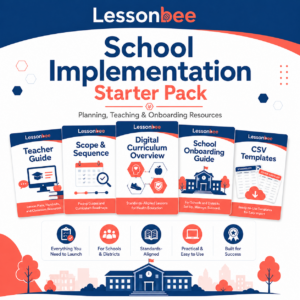
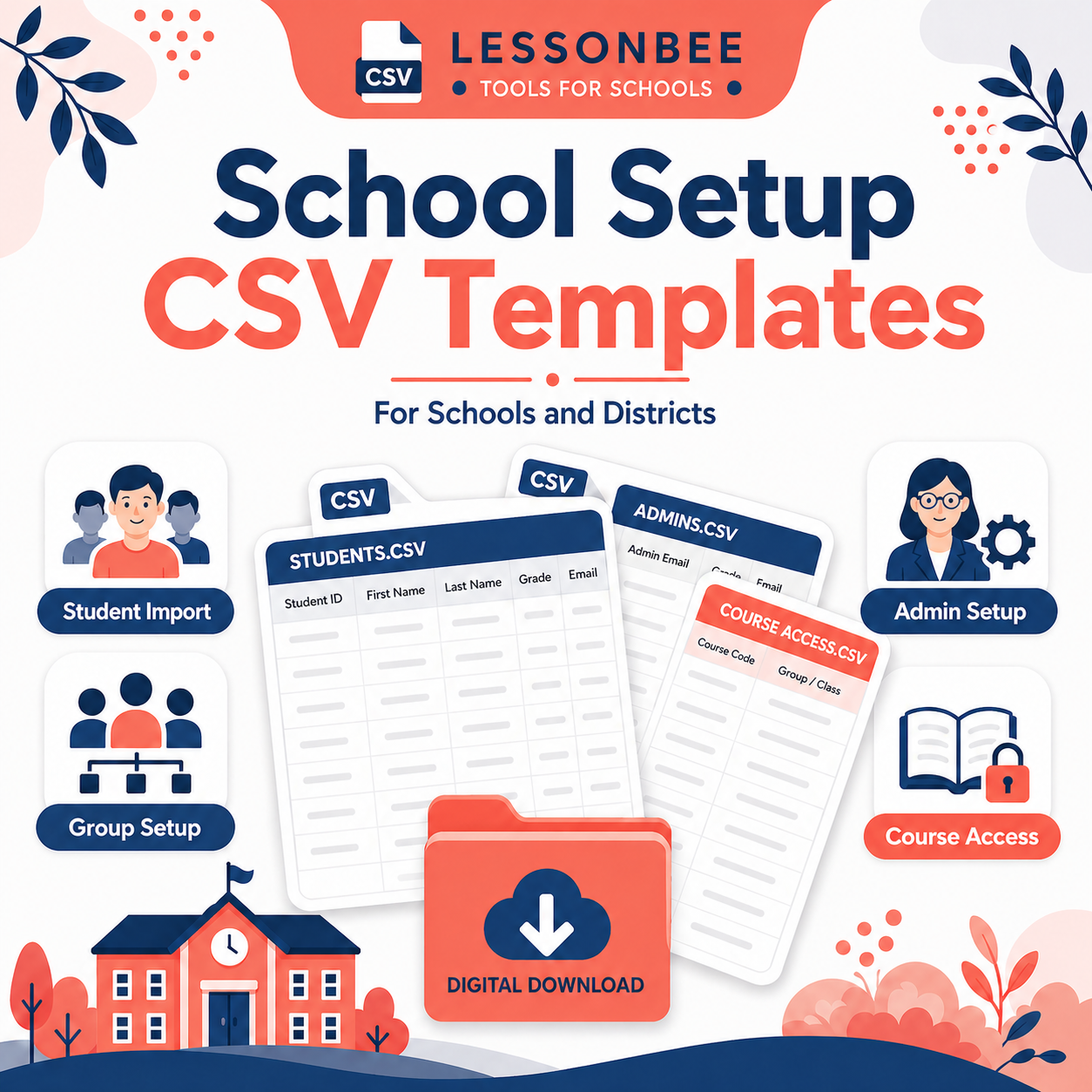
The Lessonbee School Setup CSV Templates help schools, districts, and program administrators organize the information needed to set up Lessonbee access accurately and efficiently.
This downloadable template package is designed to support both self-service onboarding and Lessonbee-led onboarding. Schools can use the templates to prepare student rosters, organize multiple class groups, identify group administrators, assign school-level administrators, and plan course or download access before setup begins.
These templates are especially helpful for schools using multiple Lessonbee groups, such as separate groups for different teachers, class periods, grade levels, advisory groups, or implementation cohorts. They help reduce setup errors by making sure each student, teacher, administrator, group, course, and download is connected to the correct place.
This download includes CSV templates for:
- Student imports
- Class group setup
- School-level administrator setup
- Course and download access planning
Use these templates to:
- Prepare student roster files for Lessonbee setup
- Organize students by class, teacher, grade level, or cohort
- Identify group administrators for each class group
- Identify school-level administrators who need access across groups
- Plan which courses and downloads should be associated with each group
- Support a smoother onboarding process for schools and districts
- Reduce unnecessary back-and-forth during setup
These templates are intended to be used with the Lessonbee School Onboarding Guide. For best results, review the guide before completing the templates so your school can choose the correct onboarding option and implementation type.
Student privacy note: Only include the information needed for setup, such as student name, school email address, assigned group, and course access details. Avoid including unnecessary student information.