
Get Access
Choose the access option that fits your learning setting. Lessonbee supports families, individual learners, schools, districts, homeschool groups, and community programs with flexible digital health curriculum access.
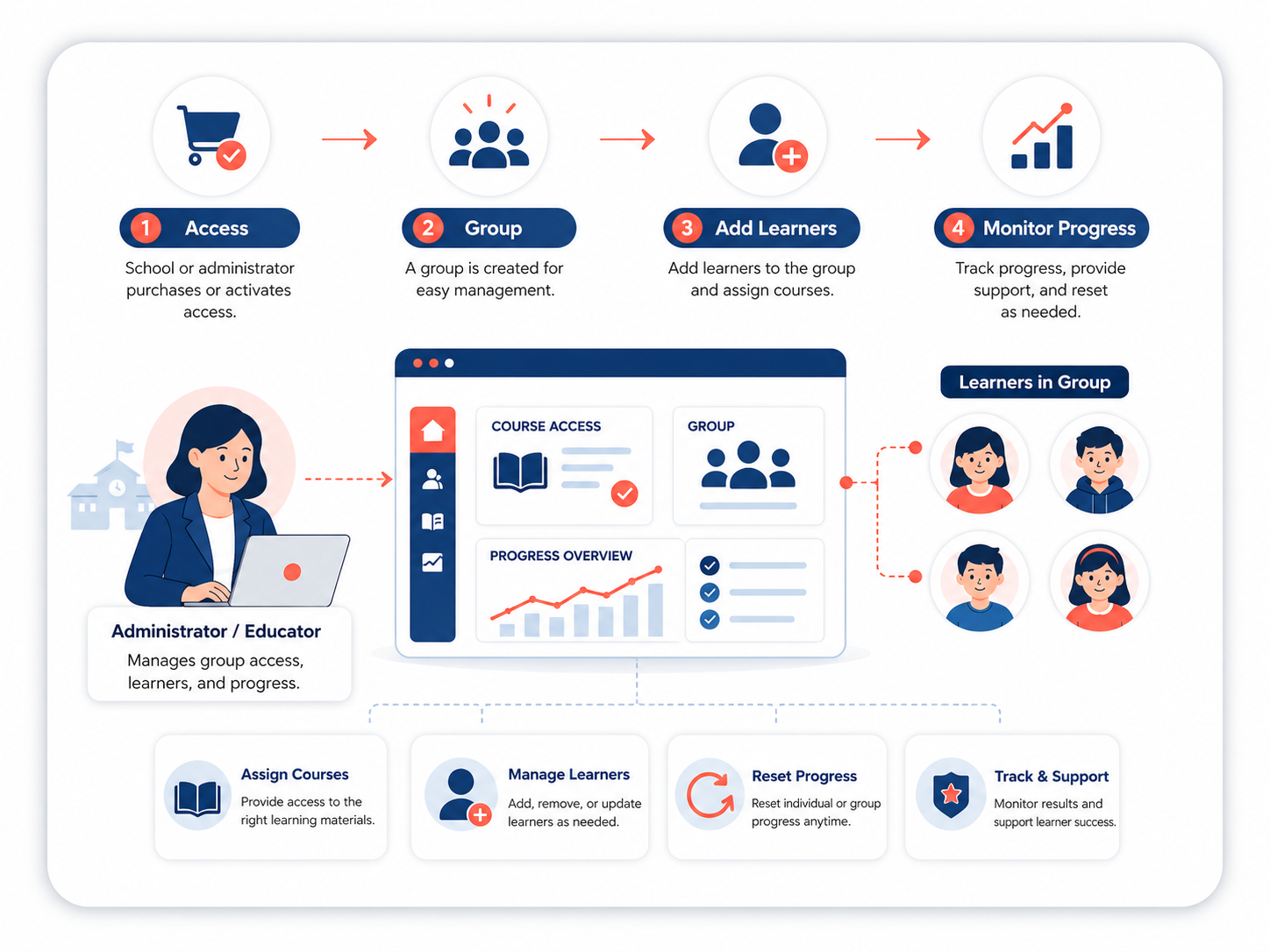
How Lessonbee Access Works
Lessonbee uses a group-based access model. When you purchase curriculum access or activate access through a school or organization, Lessonbee creates a group where learners can be added and managed.
Depending on your setup, a group administrator can:
- Add learners
- Manage seats
- View participation and progress
- Reset learner progress, if needed
- Support Google or Microsoft login for students
Lessonbee support multiple groups, such as separate groups for different class periods, teachers, cohorts, or grade levels. Lessonbee supports self-service onboarding or Lessonbee-led onboarding. Schools that pay by purchase order, grant, or other approved offline process may receive a school-specific coupon code to complete checkout and activate access.
Jumpstart Your Implementation
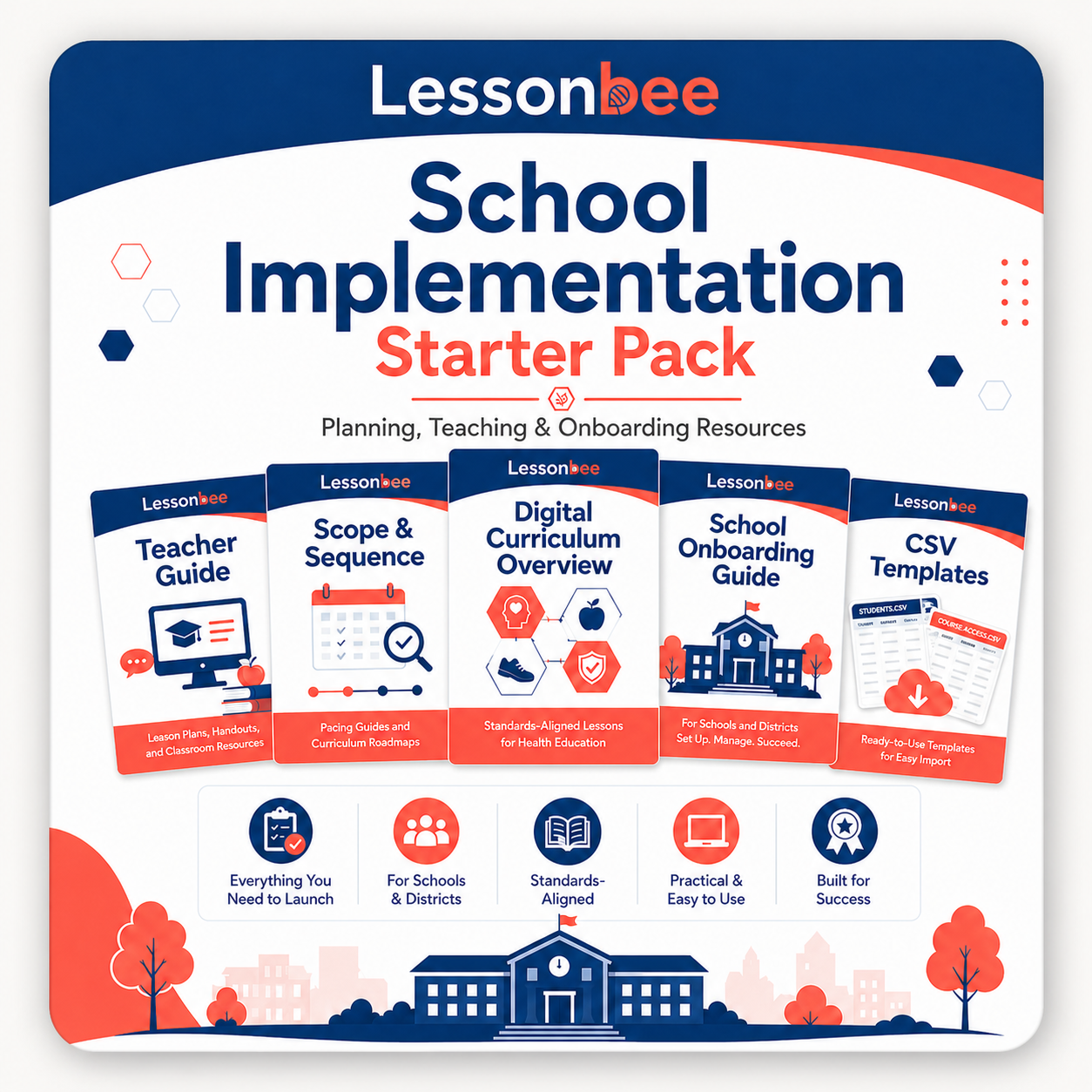
The Lessonbee School Implementation Starter Pack brings together the planning, teaching, and onboarding resources needed to get organized before launch. It is designed for schools, districts, homeschool groups, families, and community programs that want a clear path for setting up access, planning instruction, and supporting learners.
Use the Starter Pack to review the curriculum, understand onboarding options, prepare student setup materials, and plan a suggested secondary school scope and sequence.
The Starter Pack includes:
- School Setup CSV Templates
- Health Teacher Guide
- Secondary School Scope and Sequence
- Digital Curriculum Overview
- School Onboarding Guide
Get Started
Ready to begin?